> ## Documentation Index
> Fetch the complete documentation index at: https://perfgrid.com/docs/llms.txt
> Use this file to discover all available pages before exploring further.
# How do I change my cPanel password?
To change the password of your cPanel/shared hosting account, you have to go to [https://billing.perfgrid.com/](https://billing.perfgrid.com/) and log in.
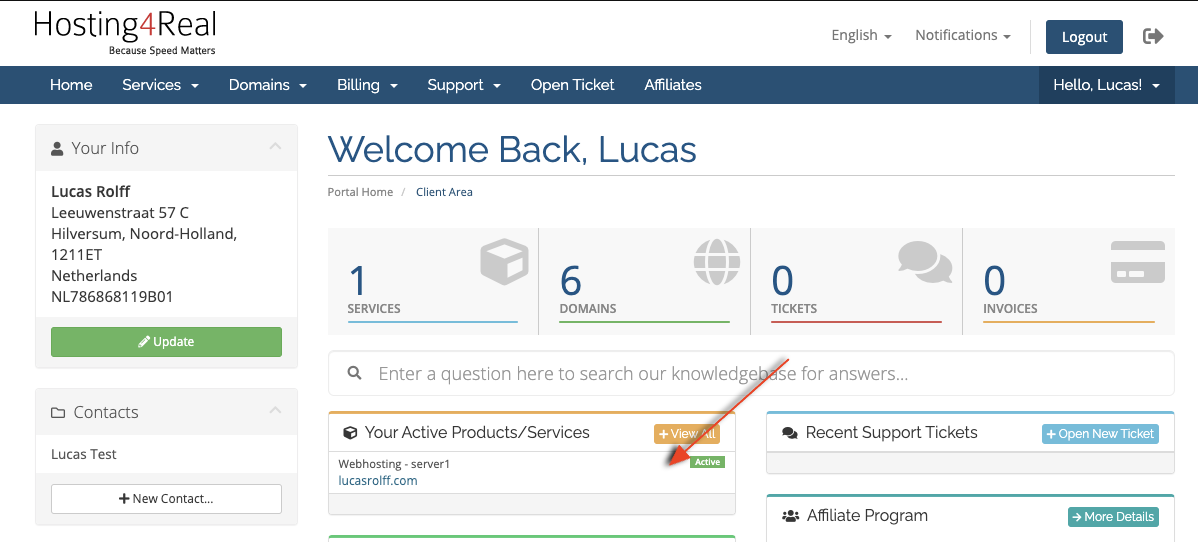
After you've logged in, you get the client overview page, here you'll have to click on the hosting plan you want to change the password for (You can click the whole area of the product):
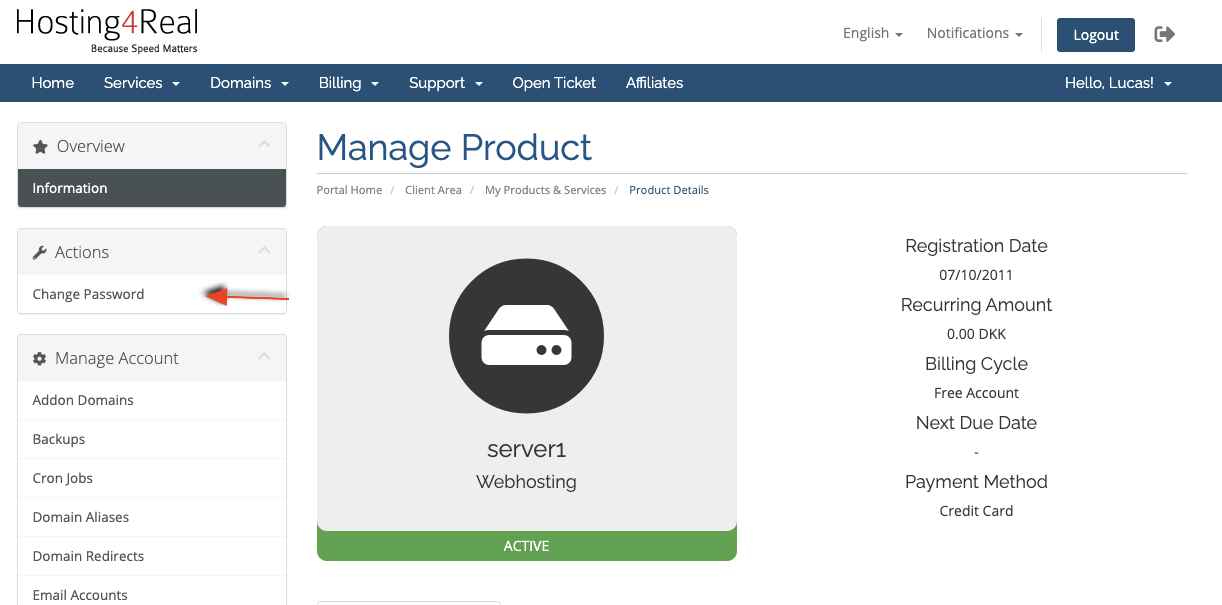
 After that you'll get a details/overview of the specific hosting account; On the left you'll find a "Change Password", if you click here, you're able to change the password.