

Yes. Domains added to the platform can use a temporary preview URL. On the Domains page, open the drop-down for the domain and choose Activate Temporary Domain.Documentation Index
Fetch the complete documentation index at: https://perfgrid.com/docs/llms.txt
Use this file to discover all available pages before exploring further.
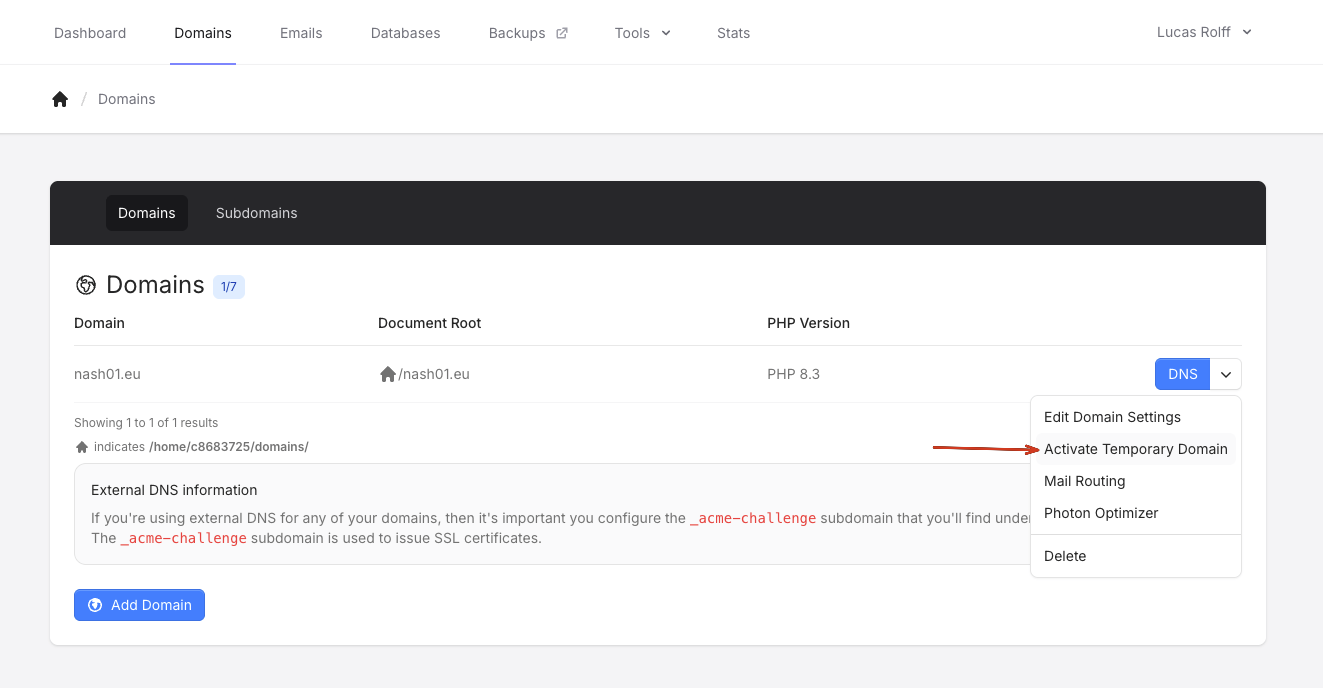
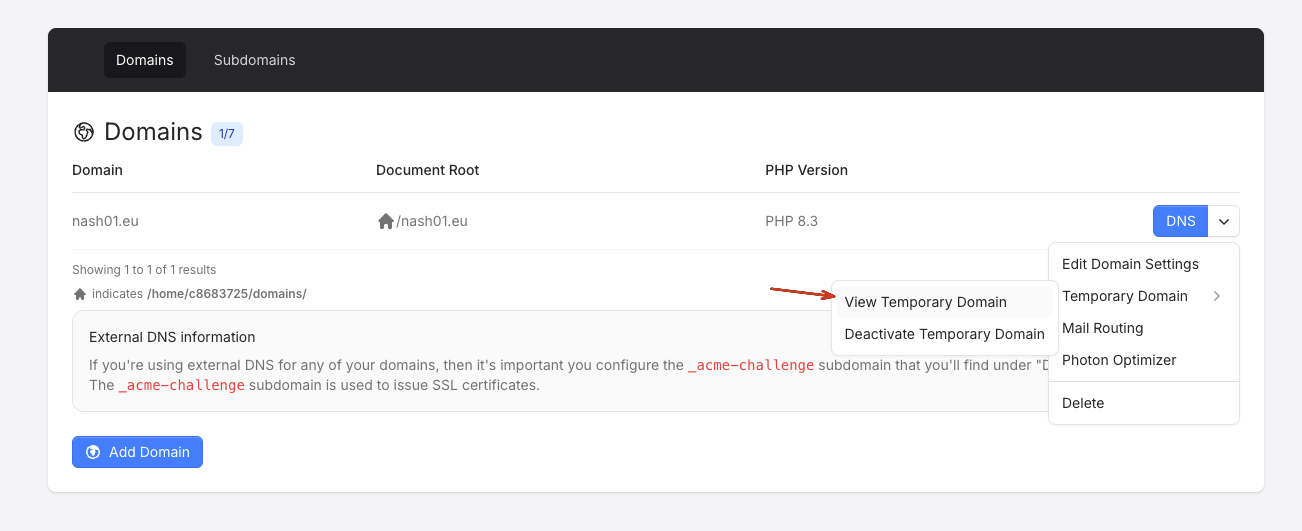
Please note that the temporary domain takes roughly 10-15 seconds to activate after you’ve clicked on the “Activate Temporary Domain” button.