Grid Hosting 2FA is separate from 2FA in the client area and from cPanel. Enable each login you use.
Enable 2FA
1
Log in
Log in to your hosting panel at hosting-panel.net.
2
Open Profile
Open the user menu (your account name) and click Profile.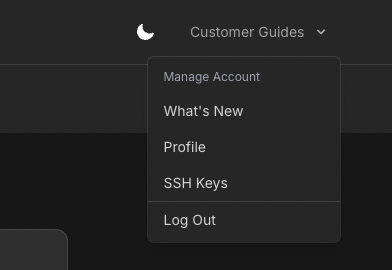
3
Open Two-factor auth
In the settings sidebar, click Two-factor auth. Confirm your password when asked. This is a secure area of the application.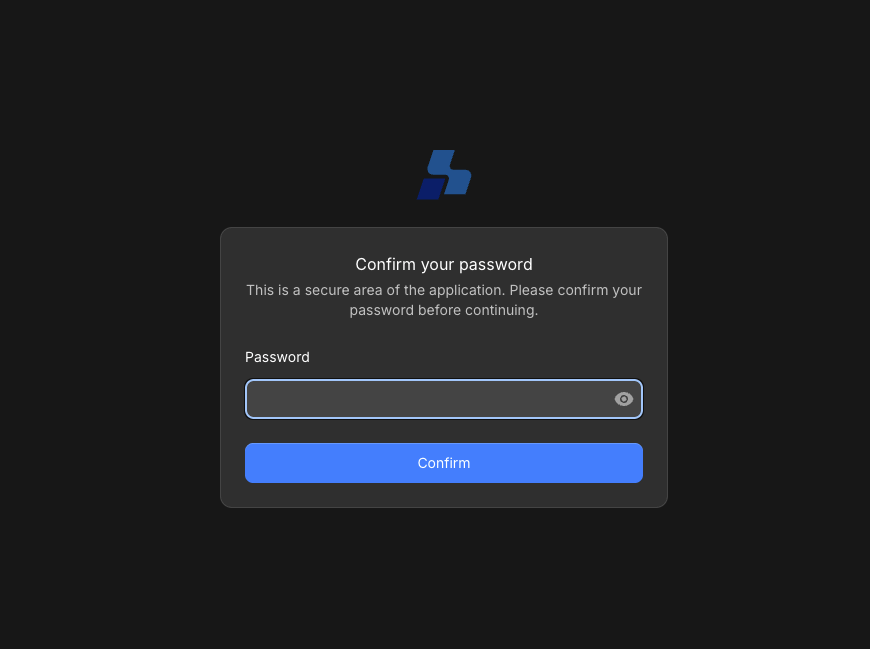
4
Enable two-factor authentication
Click Enable two-factor authentication.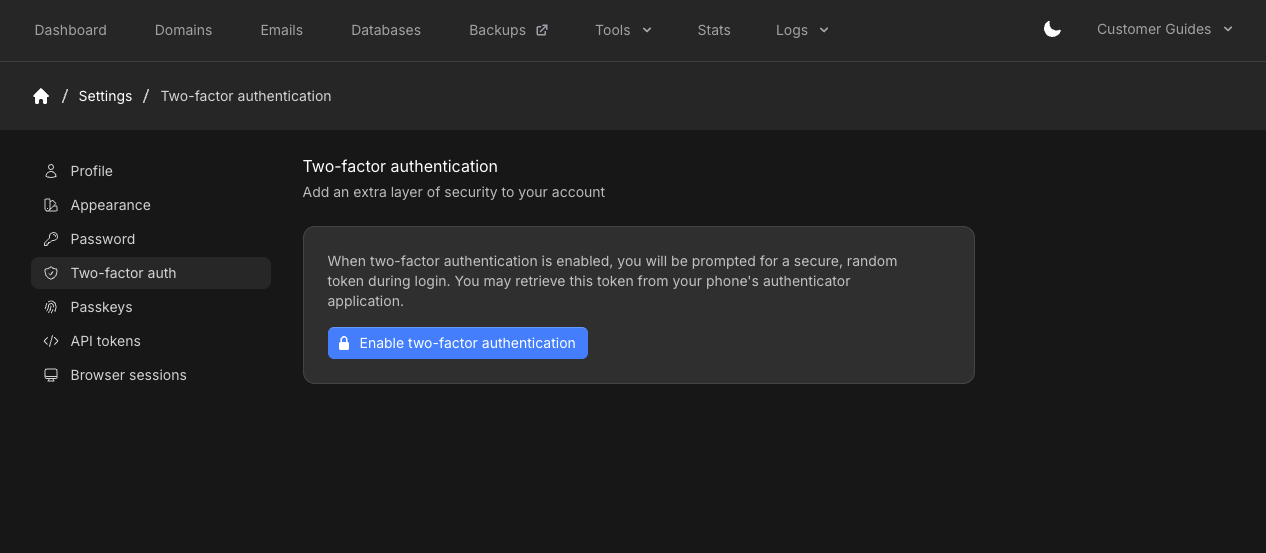
5
Scan the QR code
Scan the QR code with an authenticator app such as Google Authenticator, Authy, Microsoft Authenticator, 1Password, or Bitwarden. If you cannot scan, enter the Setup key shown under the code.Enter the 6-digit Code from the app and click Confirm.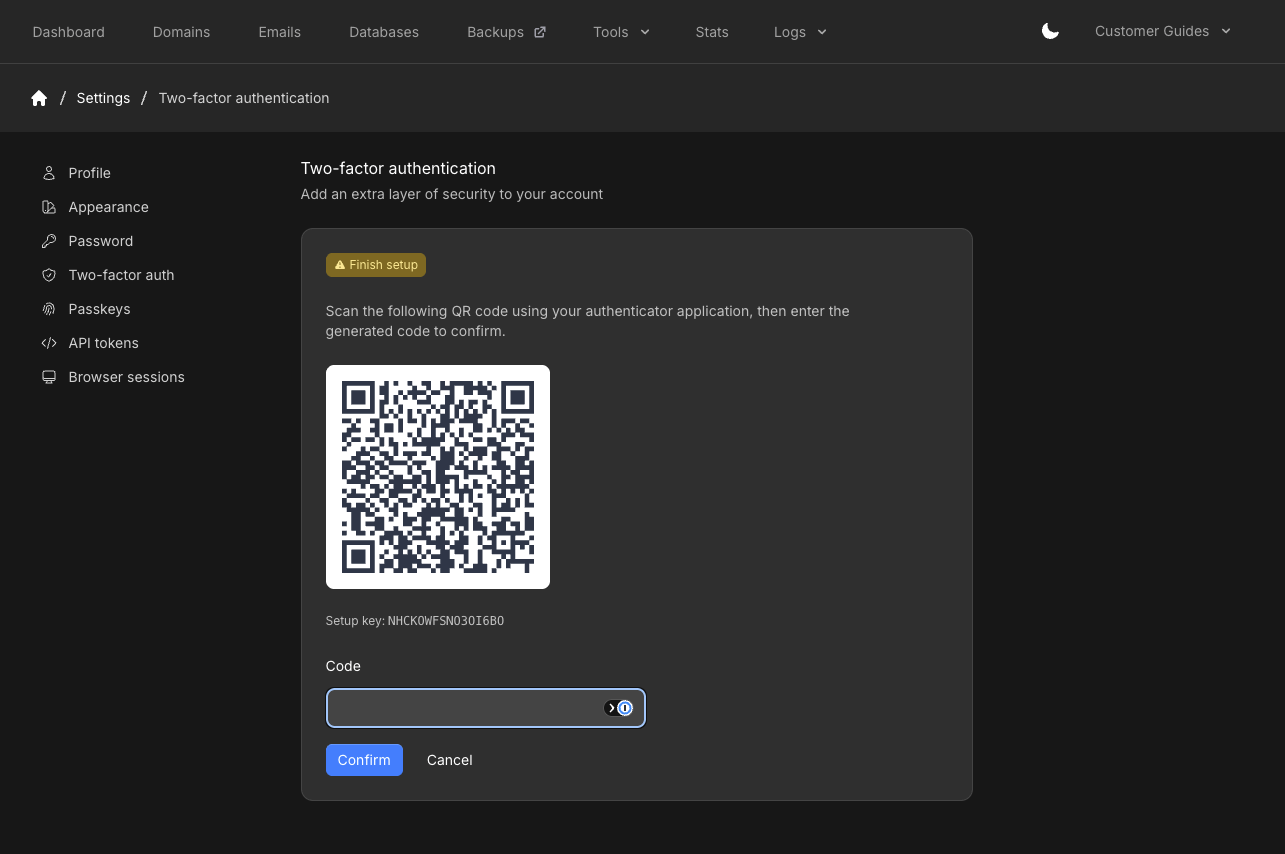
6
Store your recovery codes
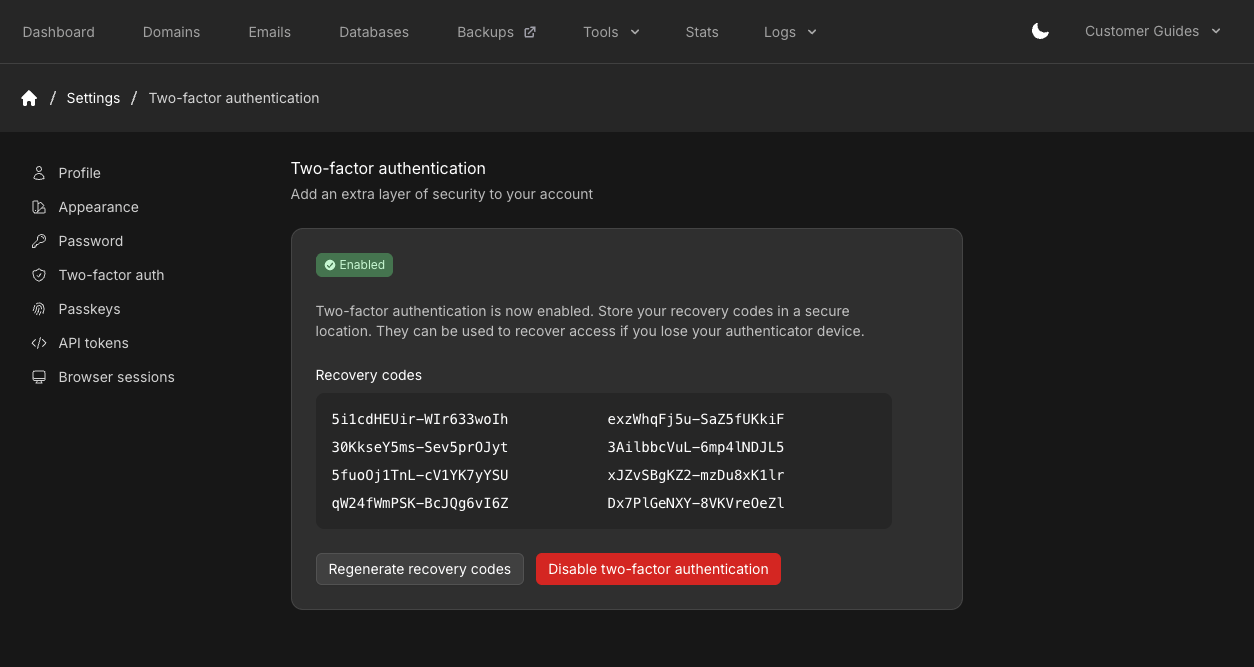
When setup is done, the page shows Enabled and a set of Recovery codes. Store them in a password manager or other secure place. You can use a recovery code to sign in if you lose the authenticator app.