The same idea applies to Facebook Business Manager verification (facebook-domain-verification).
google-site-verification=<random_characters>
Text guide
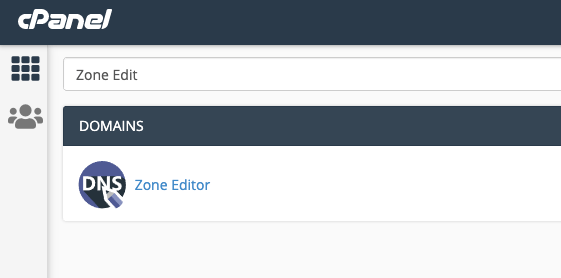
Open Zone Editor
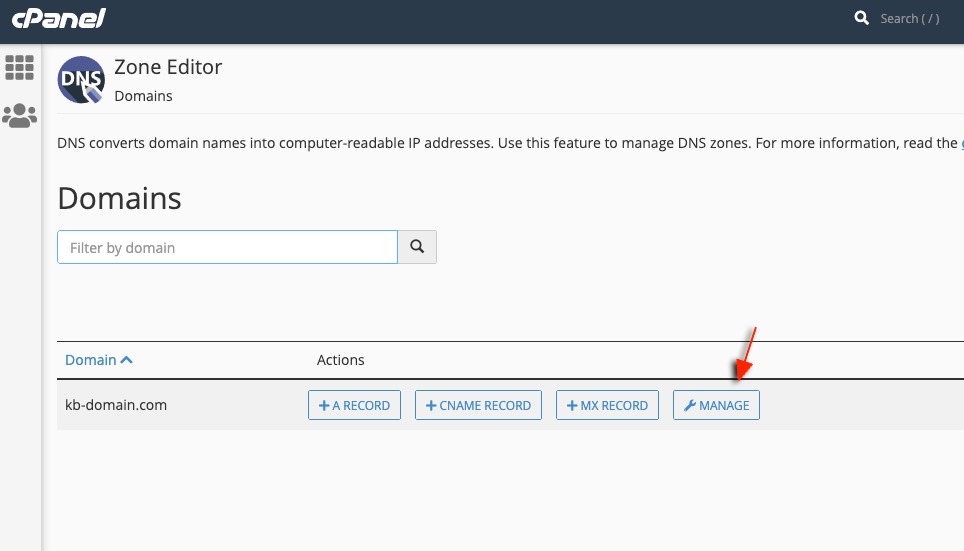
In cPanel, open Zone Editor under Domains. Manage the zone
Click Manage next to the domain you want to edit. Add a TXT record
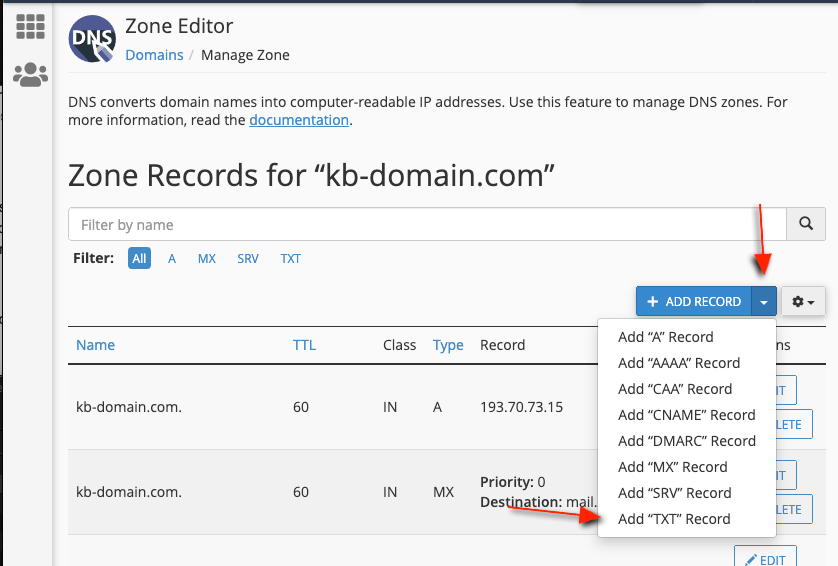
Open the Add Record menu and choose Add TXT record. Enter the verification string
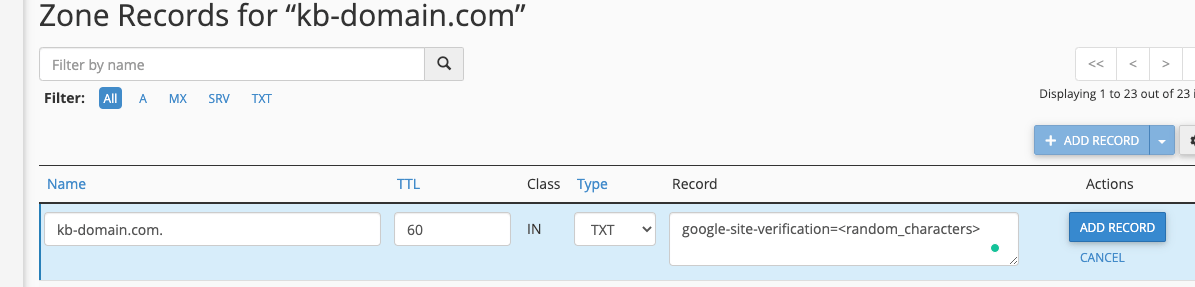
Set Name to your domain (or @ if your zone uses that convention), leave TTL at the default, set Type to TXT, and paste the full google-site-verification=… value into Record. Save
Click Add Record. Changes usually propagate across our nameservers within 10–15 seconds.
Related articles