

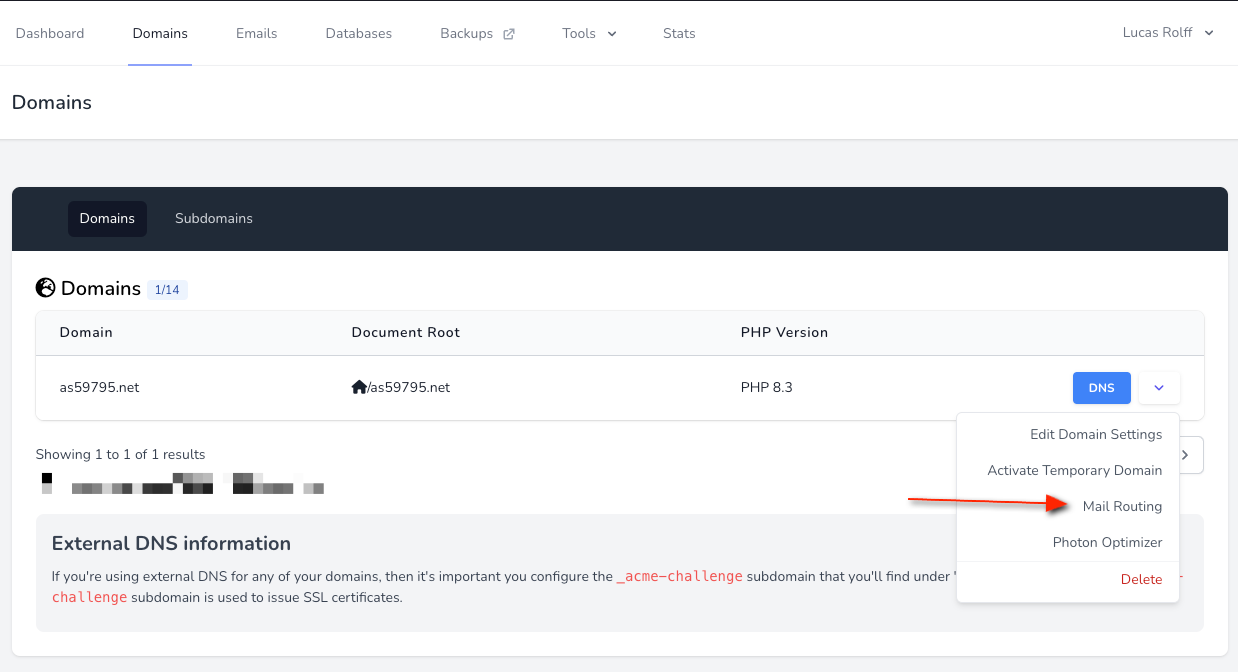
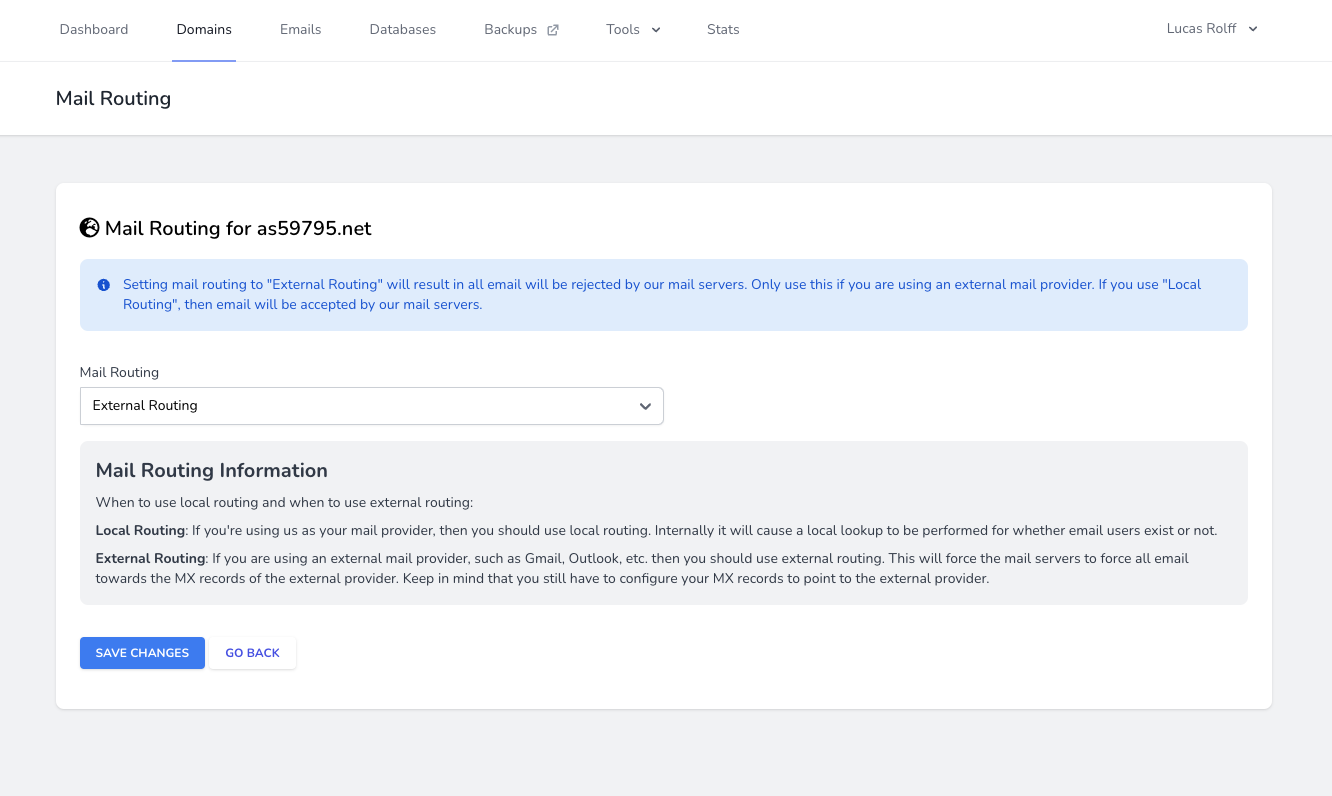
If you use Microsoft 365, Google Workspace, or another external provider for a domain’s mail, set that domain’s mail routing to External Routing. Otherwise the server may handle mail locally and messages will not reach your provider.Documentation Index
Fetch the complete documentation index at: https://perfgrid.com/docs/llms.txt
Use this file to discover all available pages before exploring further.
Configure external mail routing
Log in
Log in to your hosting panel at hosting-panel.net.
Why use external routing?
You typically need this so that:- Plugins and tools (such as SMTP plugins) send mail through your external provider.
- Mail for your domain is delivered to your provider instead of local mailboxes on the server.