Yes. Domains added to the platform can use a temporary preview URL.
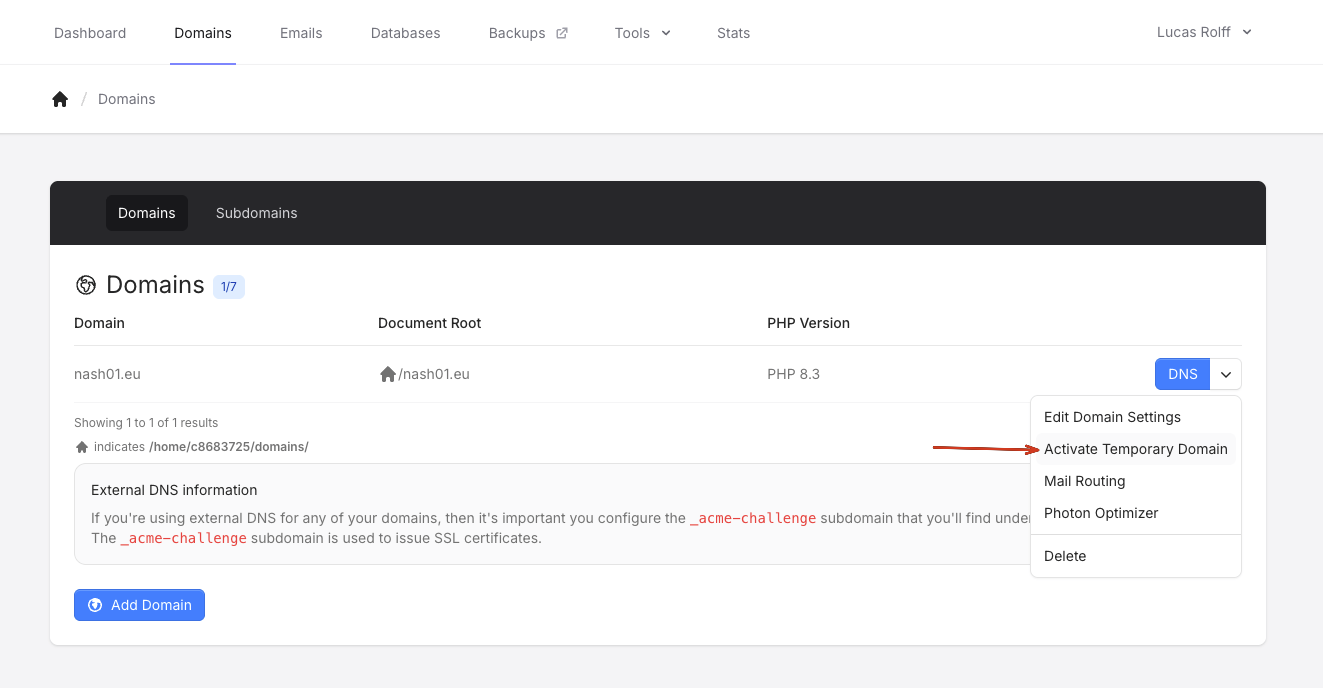
On the Domains page, open the drop-down for the domain and choose Activate Temporary Domain.
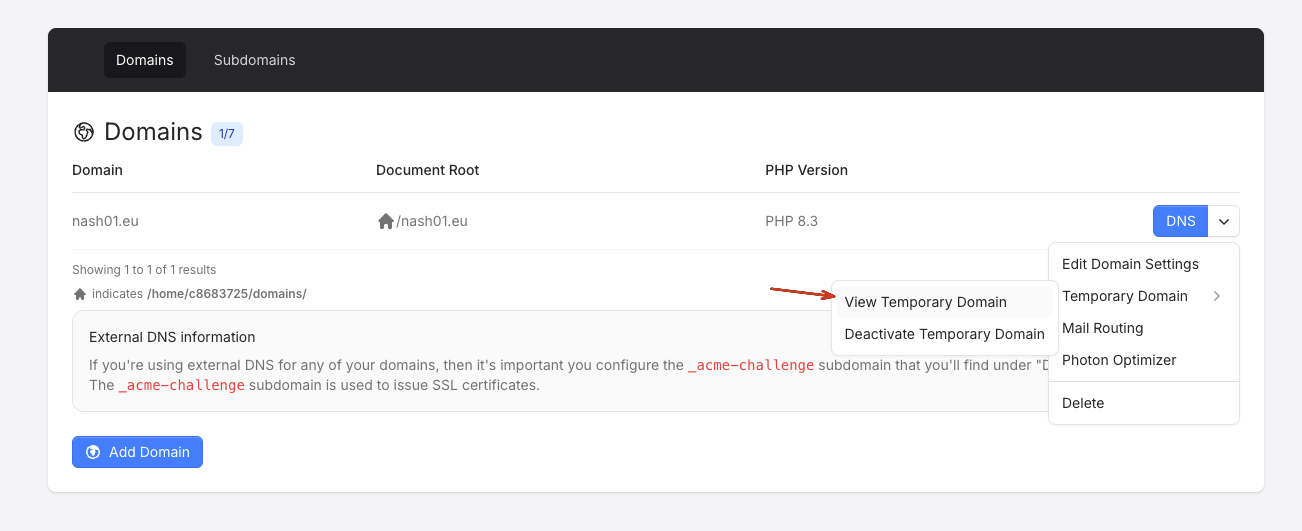
You can then use the temporary domain to preview your site by clicking on the drop-down again, go to the Temporary Domain sub-menu and click on View Temporary Domain.
Please note that the temporary domain takes roughly 10-15 seconds to activate after you’ve clicked on the “Activate Temporary Domain” button.
Related articles