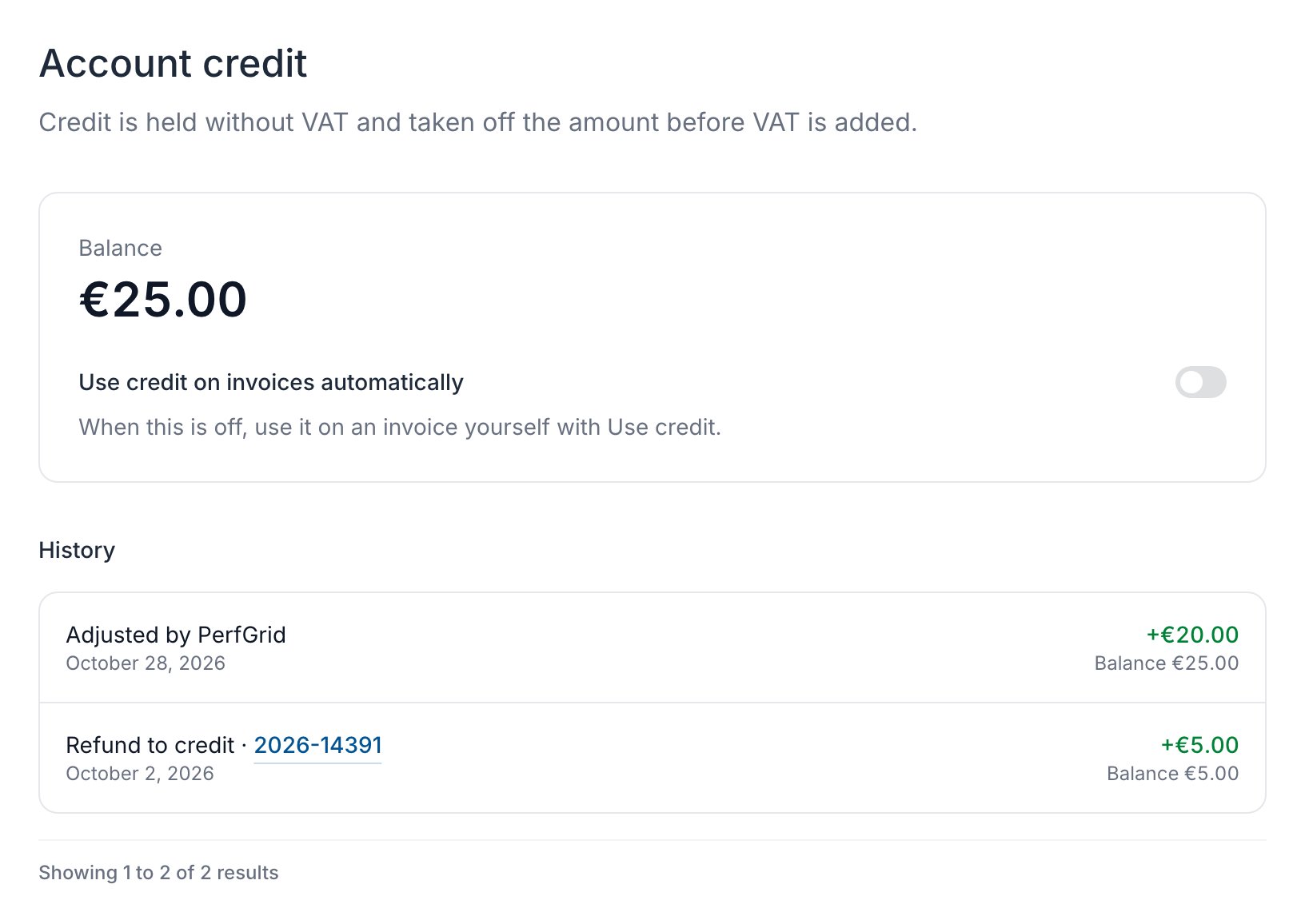
See your balance
Click Billing in the sidebar. Account credit shows your Balance. You need the View invoices permission.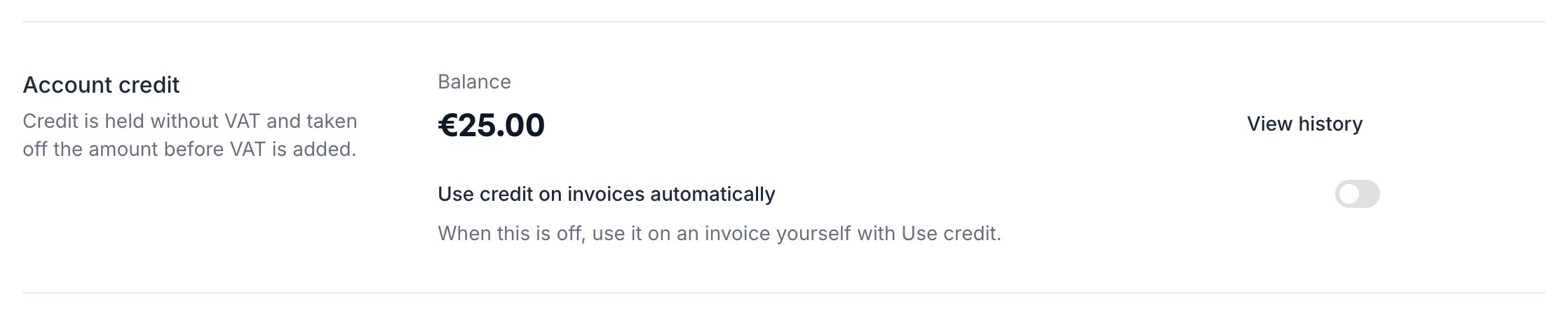
Use credit automatically
With Use credit on invoices automatically on, credit goes on your unpaid invoices by itself, oldest due date first. Changing the switch needs the Manage billing details permission.If your billing account came from our old customer panel, automatic credit is off, as it was there. Switch it on, or use your credit on an invoice yourself.
Use credit on an invoice
Open an unpaid invoice in your billing account’s currency and click Use credit. Pay what is still due as usual. You need the Pay invoices permission.
Read your credit history
Click View history under Account credit, or More > Account credit in the sidebar, to see every change and the Balance after it.