

Open your domain contacts
Click Domains in the sidebar, then Domain contacts.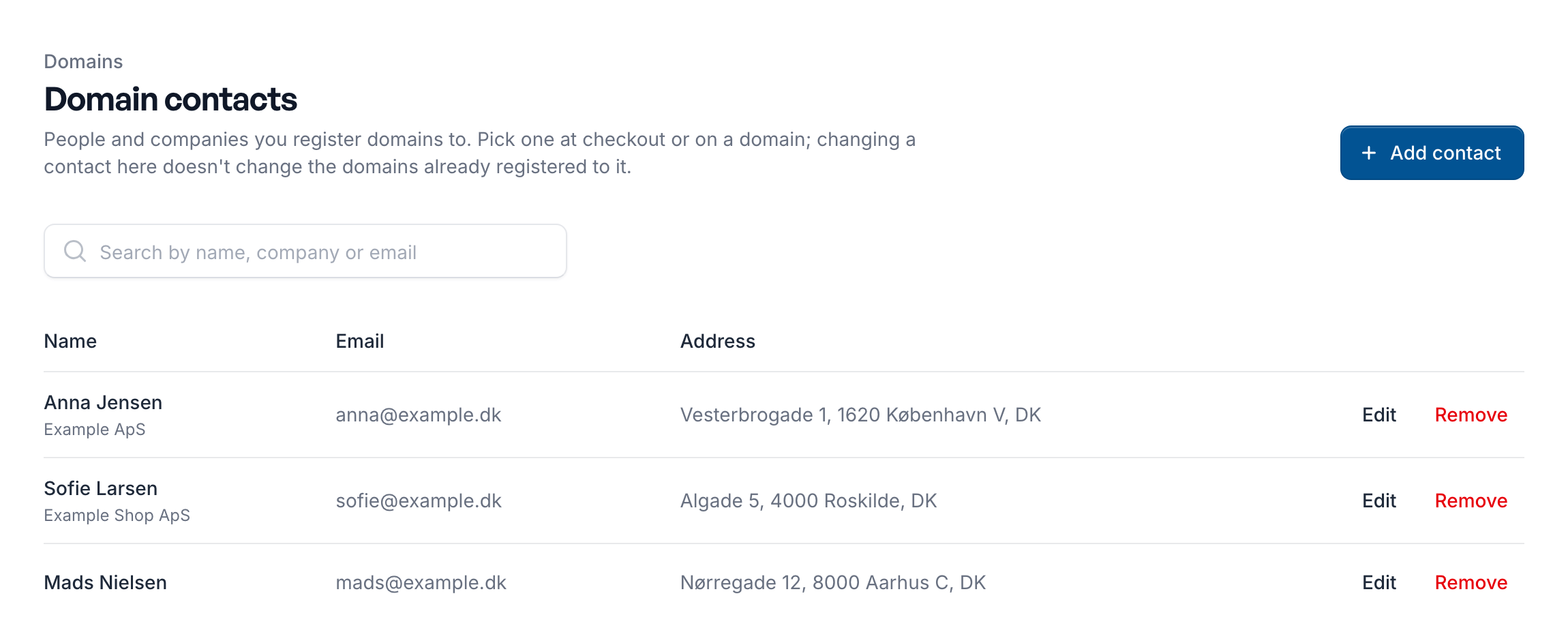
- Add: click Add contact, fill in the details and click Save contact. For a company, enter its VAT or CVR number under VAT number.
- Edit: click Edit on the contact’s row. A contact marked Missing details lacks something a registration needs: edit it before you pick it.
- Remove: click Remove on the contact’s row and confirm.
A domain keeps a copy of the contact’s details. Editing or removing a contact doesn’t change the domains already registered to it. To move a domain to other details, change its registrant on the domain’s page.