

Suspended accounts cannot sign in with a passkey.
Add a passkey
1
Log in
Log in to your hosting panel at hosting-panel.net.
2
Open Profile
Open Profile from the user menu, then click Passkeys in the settings sidebar.
3
Confirm your password
Confirm your password when asked. This is a secure area of the application.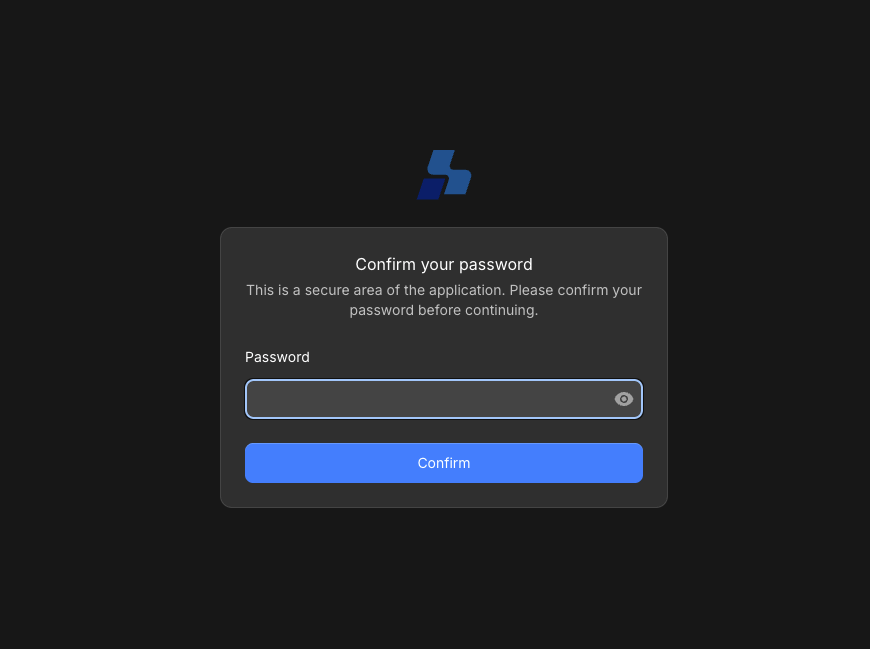
4
Register a new passkey
Enter a Passkey name you will recognize (for example 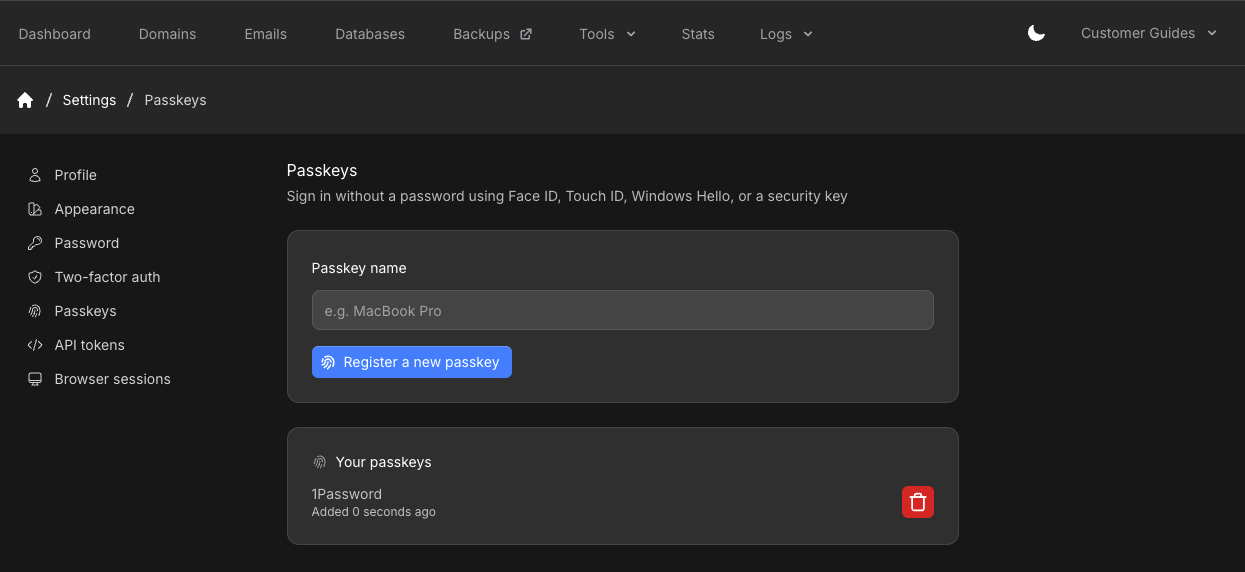
MacBook Pro), then click Register a new passkey. Your browser prompts you to confirm with the device or security key.Registered keys appear under Your passkeys.