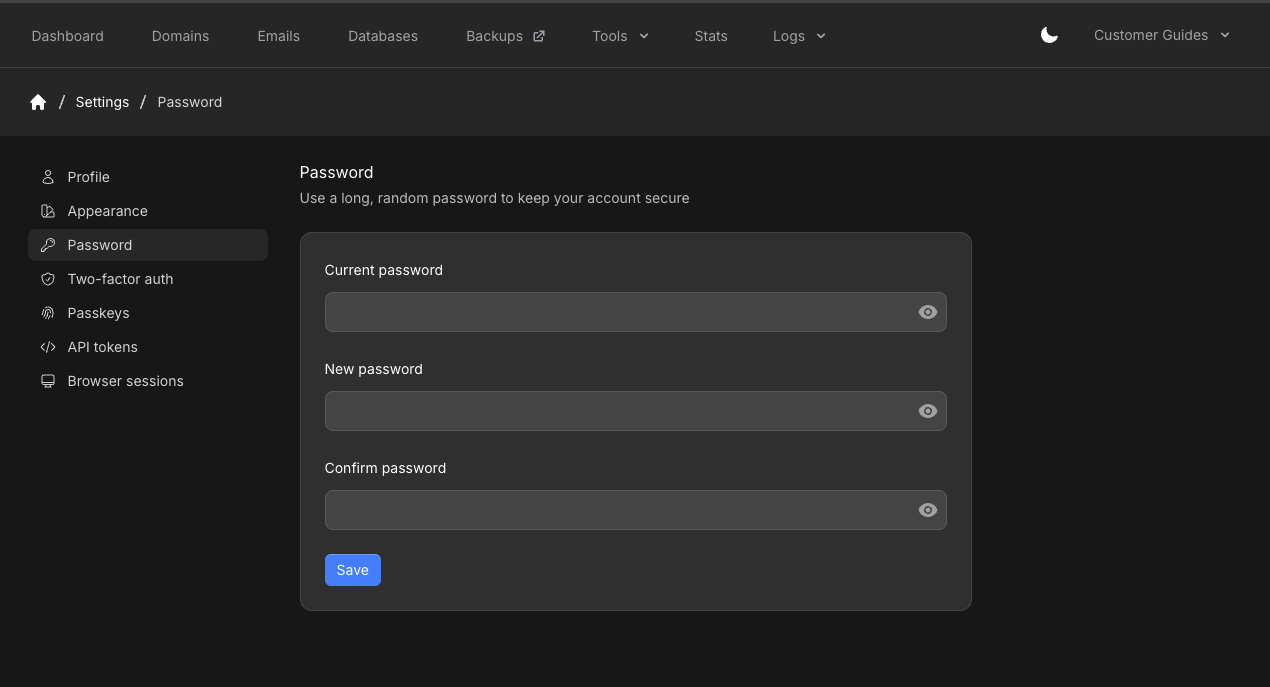
Open Profile from the user menu. The settings sidebar includes Profile, Appearance, Password, Two-factor auth, Passkeys, API tokens, and Browser sessions.
This page covers appearance and password. Two-factor auth, Passkeys, and API tokens have their own articles. SSH Keys is a separate item in the user menu, not in this sidebar.
Appearance
The panel defaults to System (it follows your device light/dark setting).
You can override that:
- Click the moon or sun icon in the header
- Or open Profile → Appearance and set Color scheme to Light, Dark, or System
Change your password
Update the password
Enter Current password, New password, and Confirm password, then click Save. Related articles
Last modified on October 31, 2026