

Sign up
1
Open the sign-up page
2
Fill in your details
Enter your Name, Email address and a Password that meets the rules under the field, then click Create account.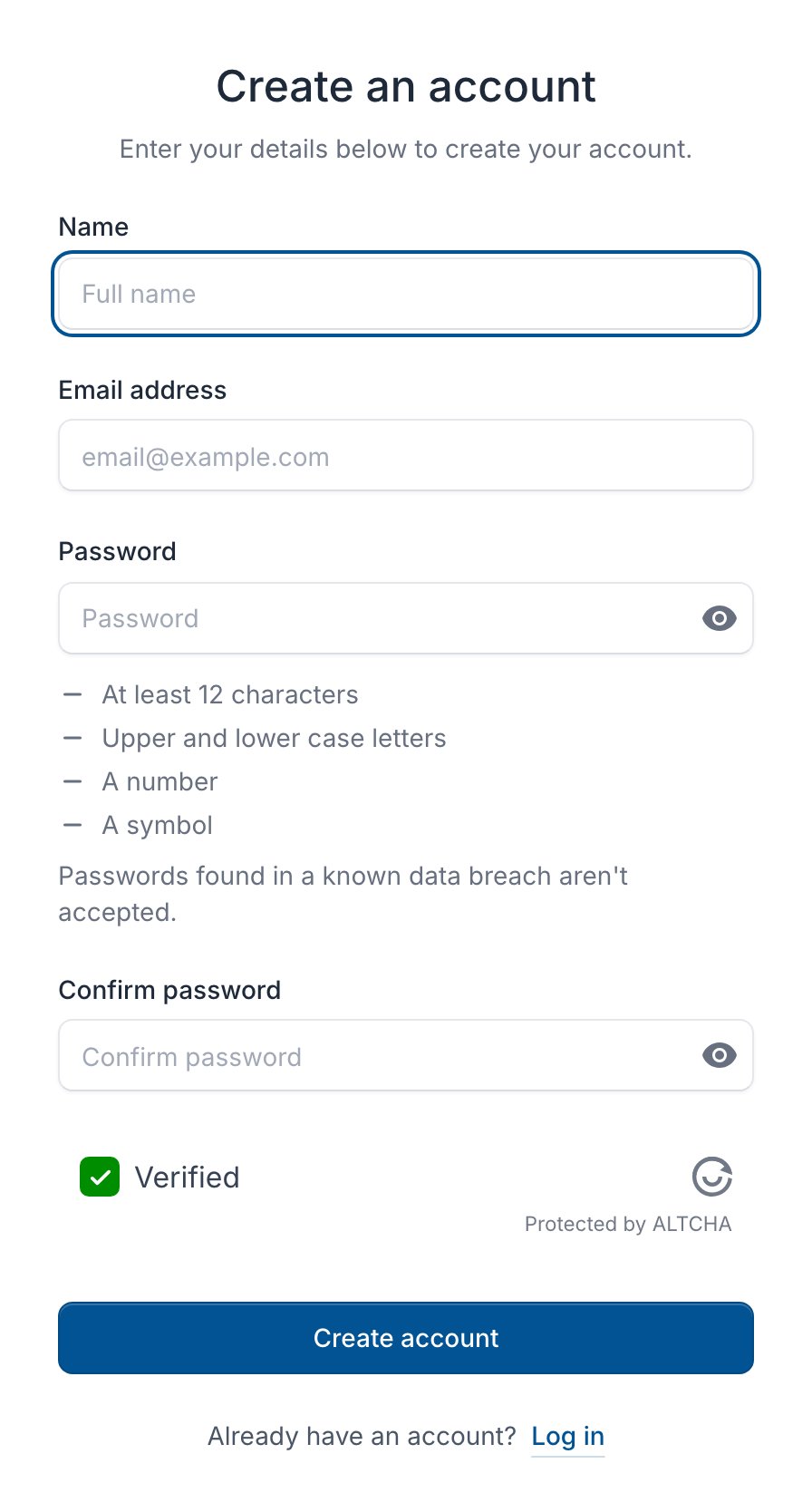
3
Confirm your email address
Open the email from PerfGrid and click Verify email address. Until you do, the console shows this box instead of your pages: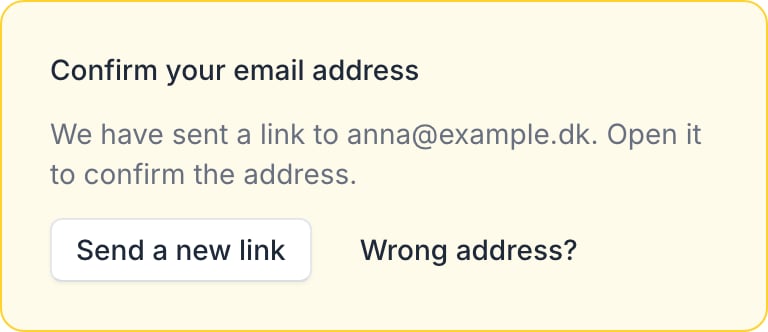
Add a billing account
After you confirm your email address, the console opens Add billing account if you don’t have one yet.1
Fill in the details
Choose Company or Private person under Billed as, and fill in the details for your invoices. A company in the EU also enters its VAT number.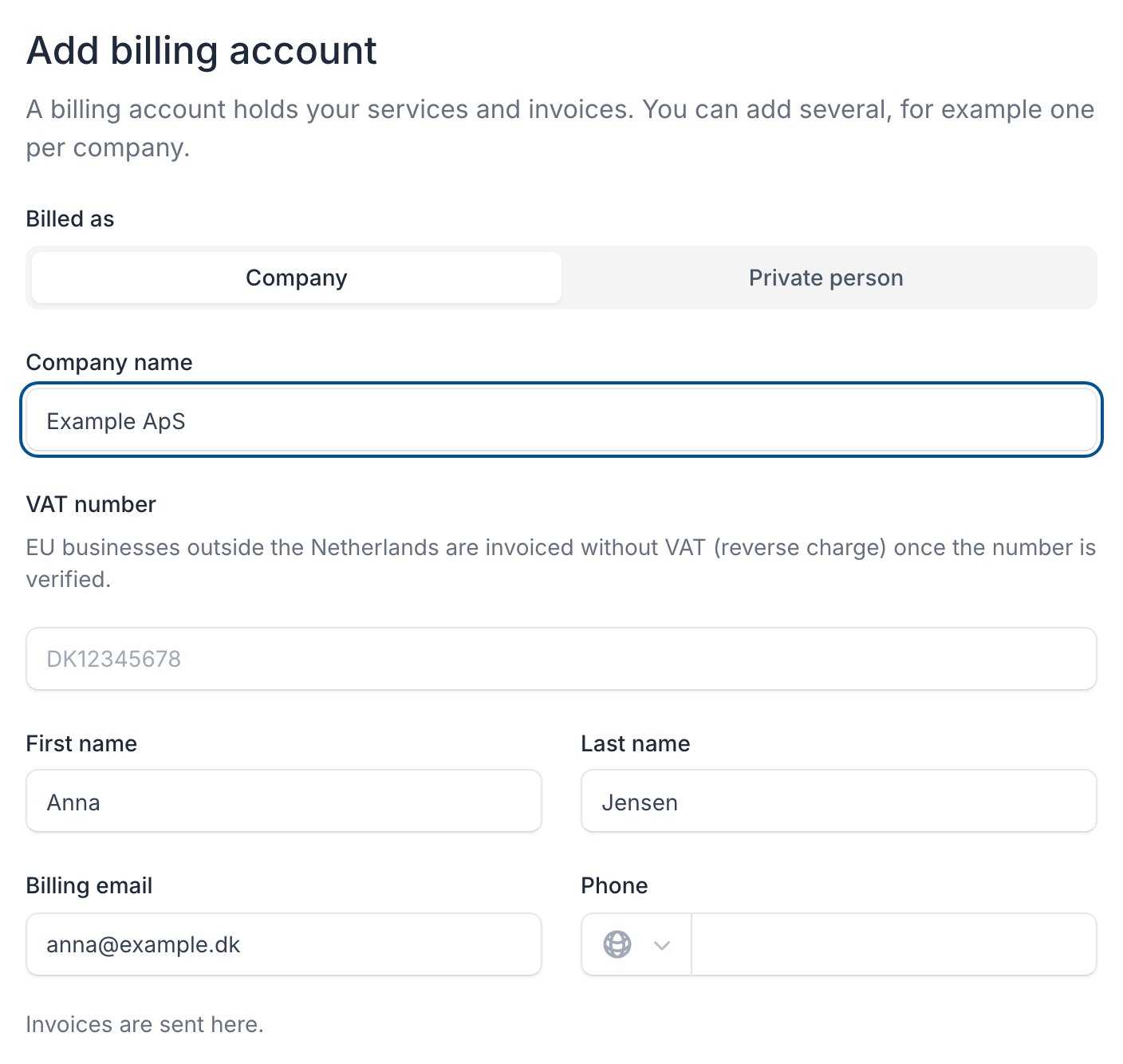
2
Choose the currency
Choose the Currency for the account’s invoices at the bottom of the form.
3
Create it
Click Create billing account. You become its owner.