

Log in
1
Open the login page
Go to console.perfgrid.com/login.
2
Enter your details
Enter your Email address and Password and click Log in. Have a passkey? Click Log in with a passkey instead.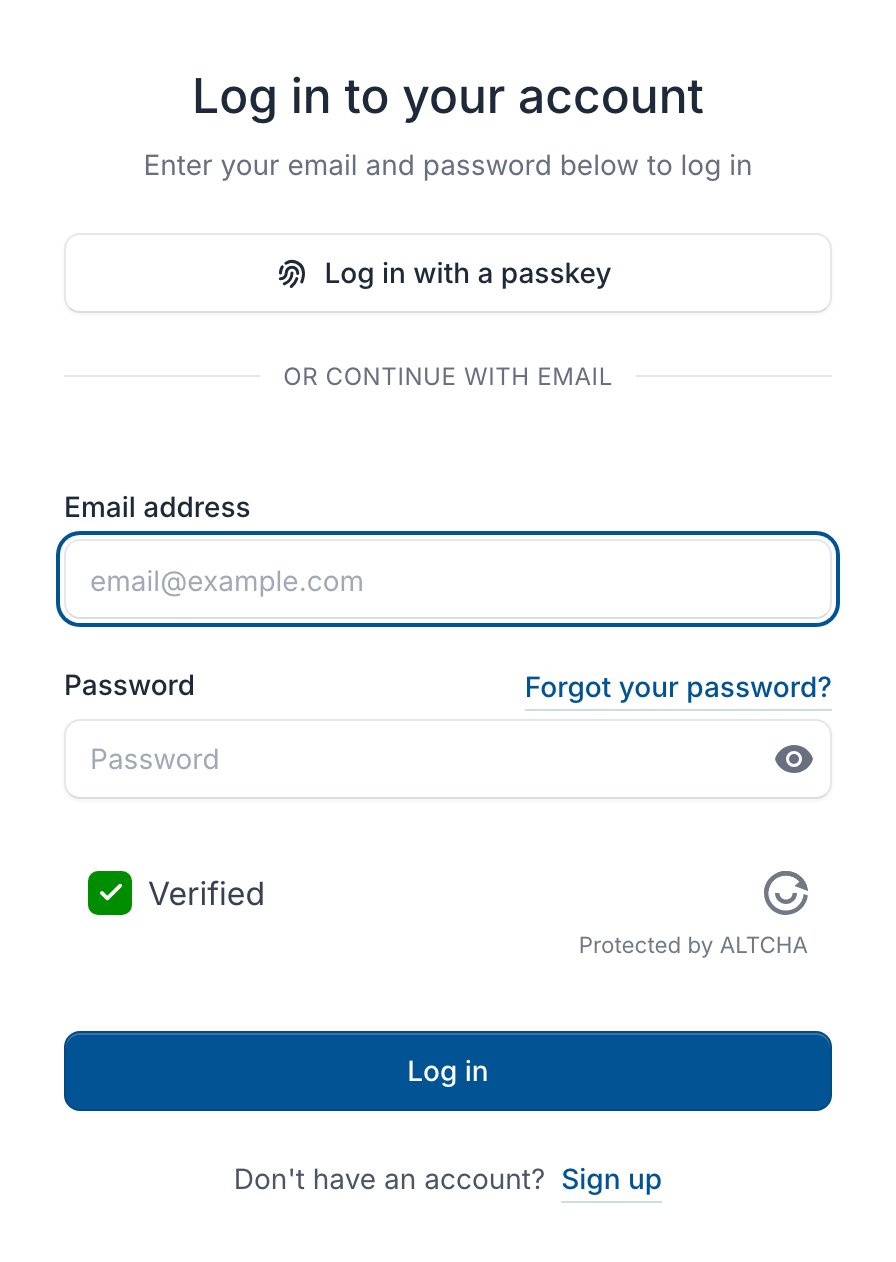
3
Enter your two-factor code
If you use two-factor authentication, enter the 6-digit code from your app.
Coming from the old panel
Your services, domains, saved cards and credit moved to the console for you.- Log in with the same email address and password. If we couldn’t move your password, click Forgot your password? on the login page.
- Your authenticator app still works, but the old backup code doesn’t. Save your new recovery codes after you log in.
- People with access came along as members of your billing account. See them under Team access > Users.
- Earlier invoices are under Invoices > Earlier invoices, with the numbers you know, for example
P15665. - Old links still work: links to billing.perfgrid.com open the console.
Find your way around
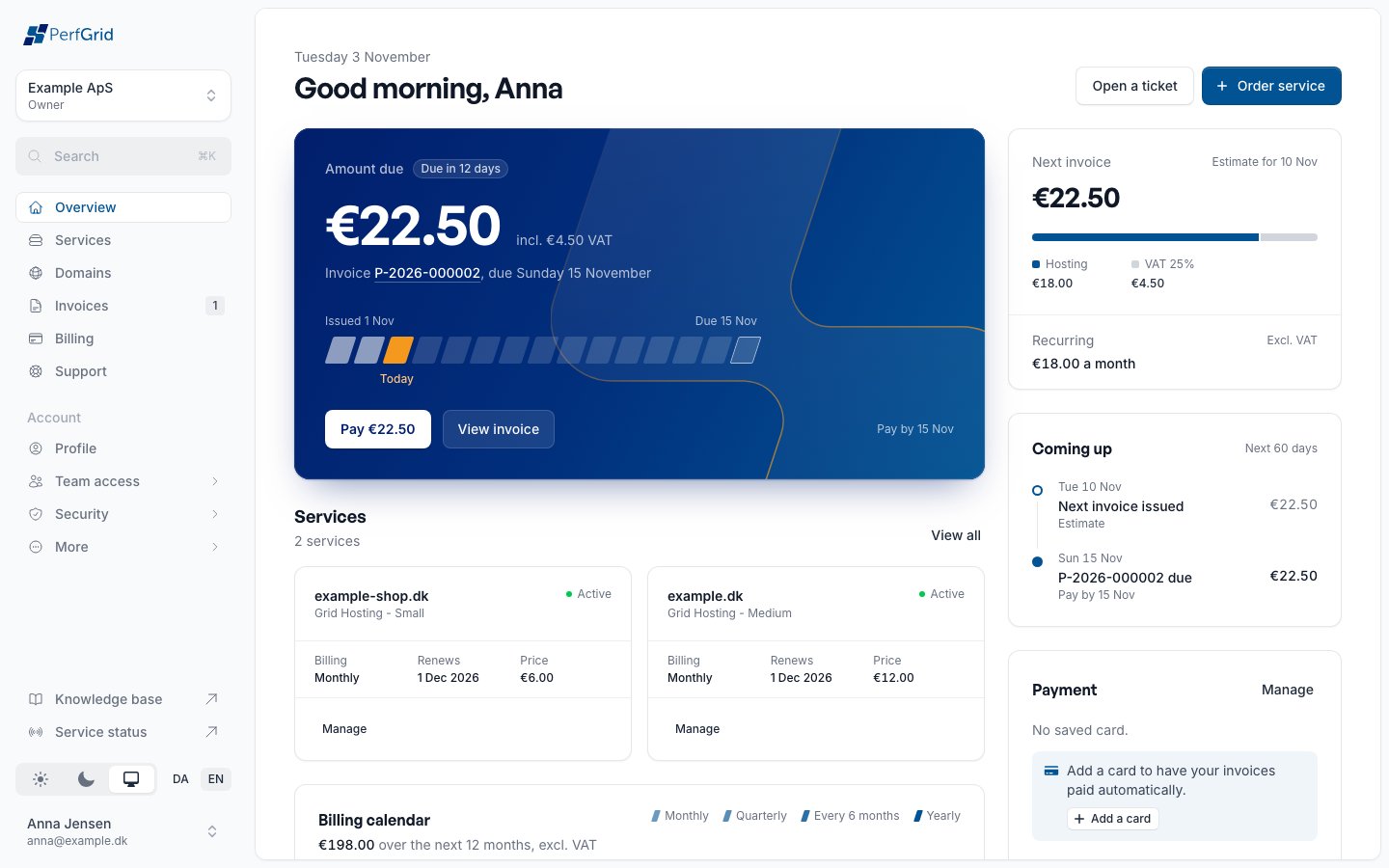
- Top: the billing account you’re working in. Click it to switch to another one.
- Main pages: Services, Domains, Invoices, Billing and Support.
- Account: your Profile, Team access, Security, and More with Notifications, Orders, API tokens and other pages.
- Bottom: the Knowledge base, Service status, appearance, language (DA or EN) and your name.
Links to your own pages
A link such ashttps://console.perfgrid.com/me/billing opens that page in your own billing account. /me/invoices, /me/services and so on work the same way. If you use several billing accounts, the console asks Which billing account?.