

Badge colours
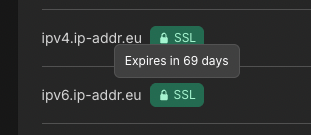
The badge sits on the domain row. Green uses a closed padlock, red an open padlock, and gray a clock.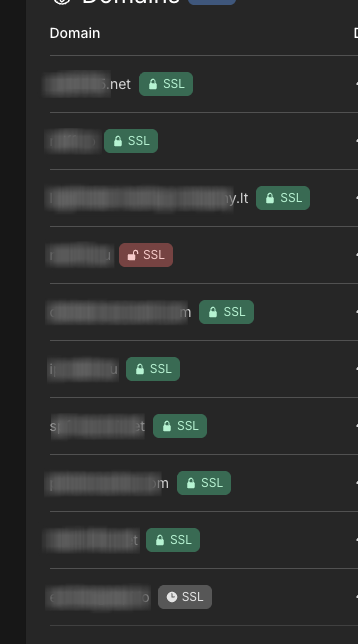
Issuance retries on its own every 5 minutes. There is no retry button in the panel.
Check a hostname
1
Log in
Log in to your hosting panel at hosting-panel.net.
2
Open Domains
Go to Domains. Use the Domains or Subdomains tab for the hostname you care about.
3
Hover the SSL badge
Hover the padlock or clock badge on the row.Issued: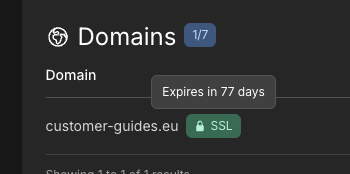 Expired:
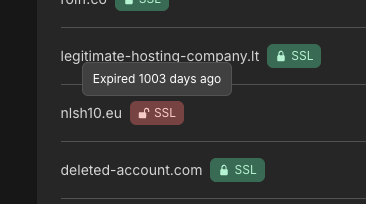 Not yet issued: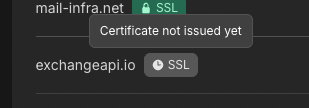
If the badge stays gray or turns red
The hostname must resolve to our platform, and ACME must be able to complete the DNS challenge.- If you use our nameservers, wait for DNS to propagate. The next retry is within 5 minutes.
- If you use an external DNS provider, add the
_acme-challengeCNAME in SSL issuance when using external DNS. - If the domain has CAA records, allow both
pki.googandletsencrypt.org. See CAA record setup.