

Before you cancel
- Point your domains elsewhere. Domains that use the service’s nameservers lose their DNS when it ends. See Manage a domain.
- Keep a copy of your data: website files, databases and email.
- Withdraw any change that waits on the service. See Withdraw a change.
Cancel a service
1
Open the service
Click Services in the sidebar and open the service.
2
Click Cancel the service
It is under the service’s details.
3
Choose when
Under When, choose: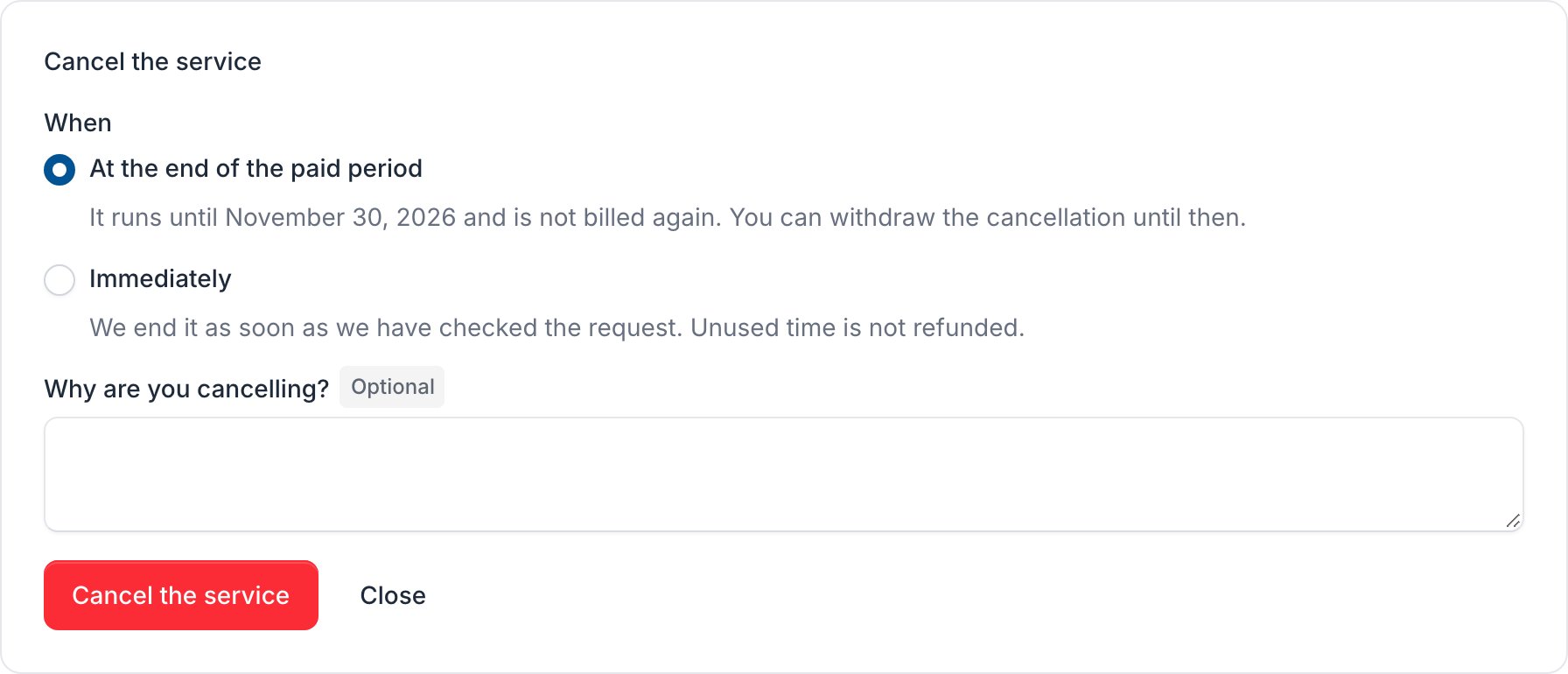
- At the end of the paid period: it runs until the last day you have paid for and is not billed again.
- Immediately: we end it once we have checked your request. Unused time is not refunded.
4
Cancel it
Tell us why under Why are you cancelling? if you like, and click Cancel the service.
Withdraw a cancellation
A cancelled service shows a box on its page. Click Withdraw the cancellation to keep it. The service and its addons renew as before.