

Intervals
You can run a URL every:- 1, 2, 5, 10, 15, or 30 minutes
- 1, 2, 6, 12, or 24 hours
Add a scheduled URL
1
Log in
Log in to your hosting panel at hosting-panel.net.
2
Open URL Scheduler
Go to Tools → URL Scheduler.Each row shows URL, Interval, and Last Run. You can Delete a schedule.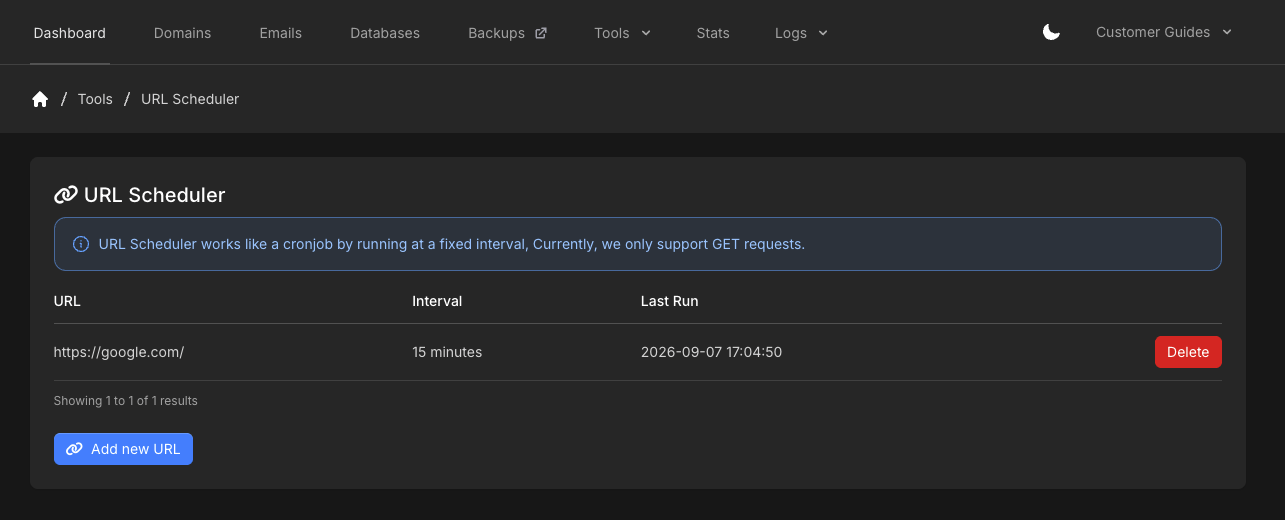
3
Add new URL
Click Add new URL.
4
Set the URL and interval
Enter the URL (including 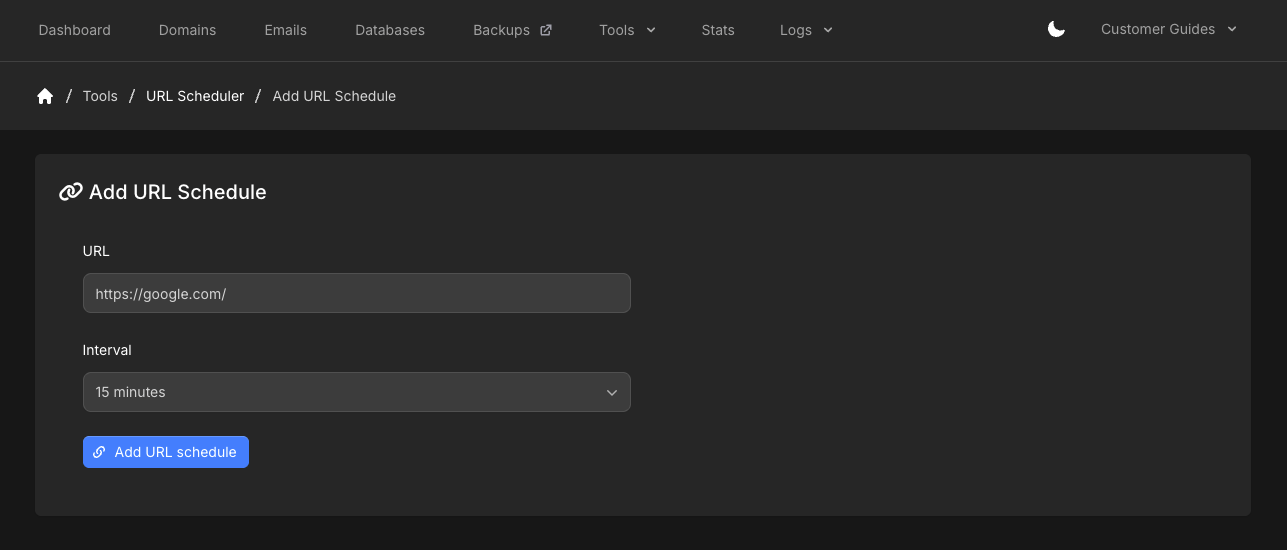
https://) and choose an Interval. Click Add URL schedule.