Browse
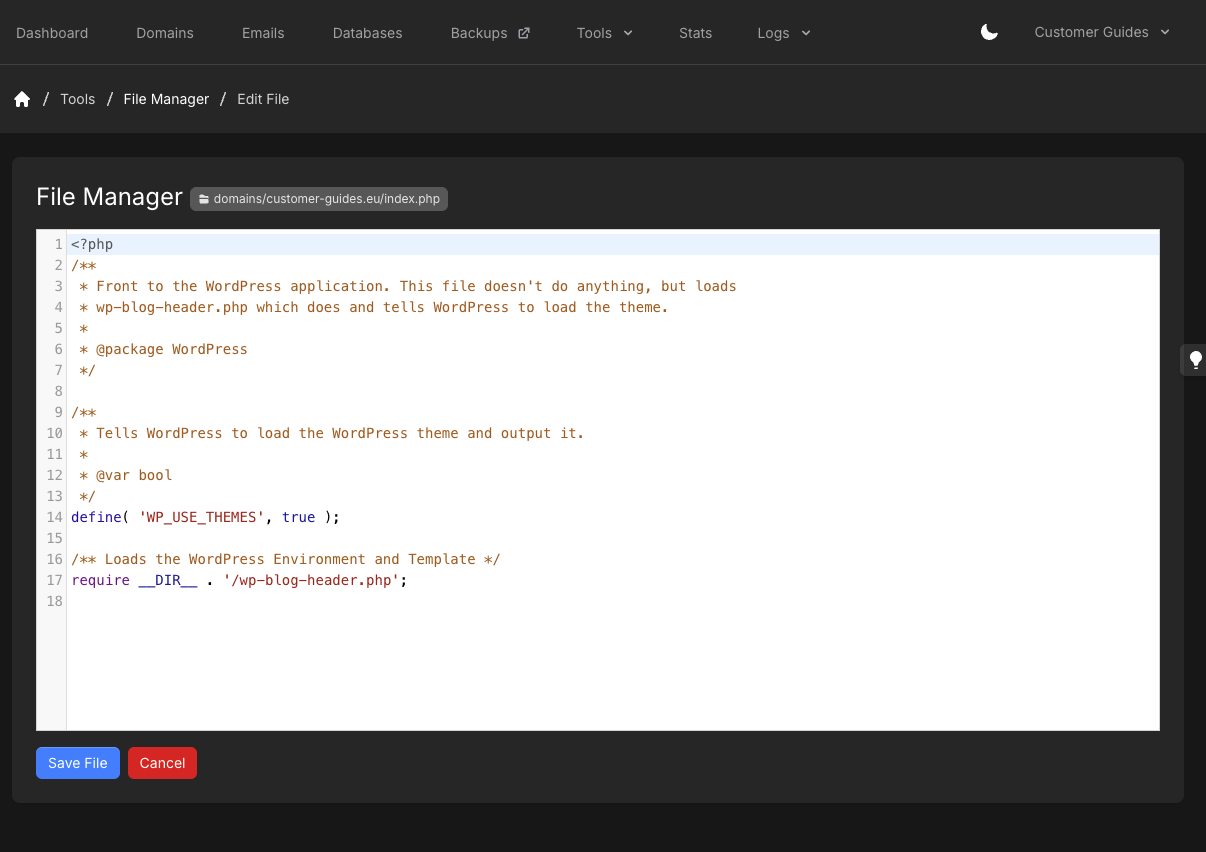
The listing shows Path, File Size, and Last Modified. The current directory appears as a path pill (for exampledomains/example.com). Use Up One Folder to go to the parent directory.
Folders have Rename/Move and Delete. Files also have Download. Open a file by clicking its name to edit it (or to view it, for types that use view-only mode).
The editor and viewer will not open a file larger than 10 MB. Uploads cannot exceed the free disk space on the account. Symlinks are hidden in the listing.
Upload a file
1
Open the target directory
Browse to the directory where the file should land.
2
Upload File
Click Upload File, then choose the file.Larger files may sit at 100% for a short time while the panel synchronizes them.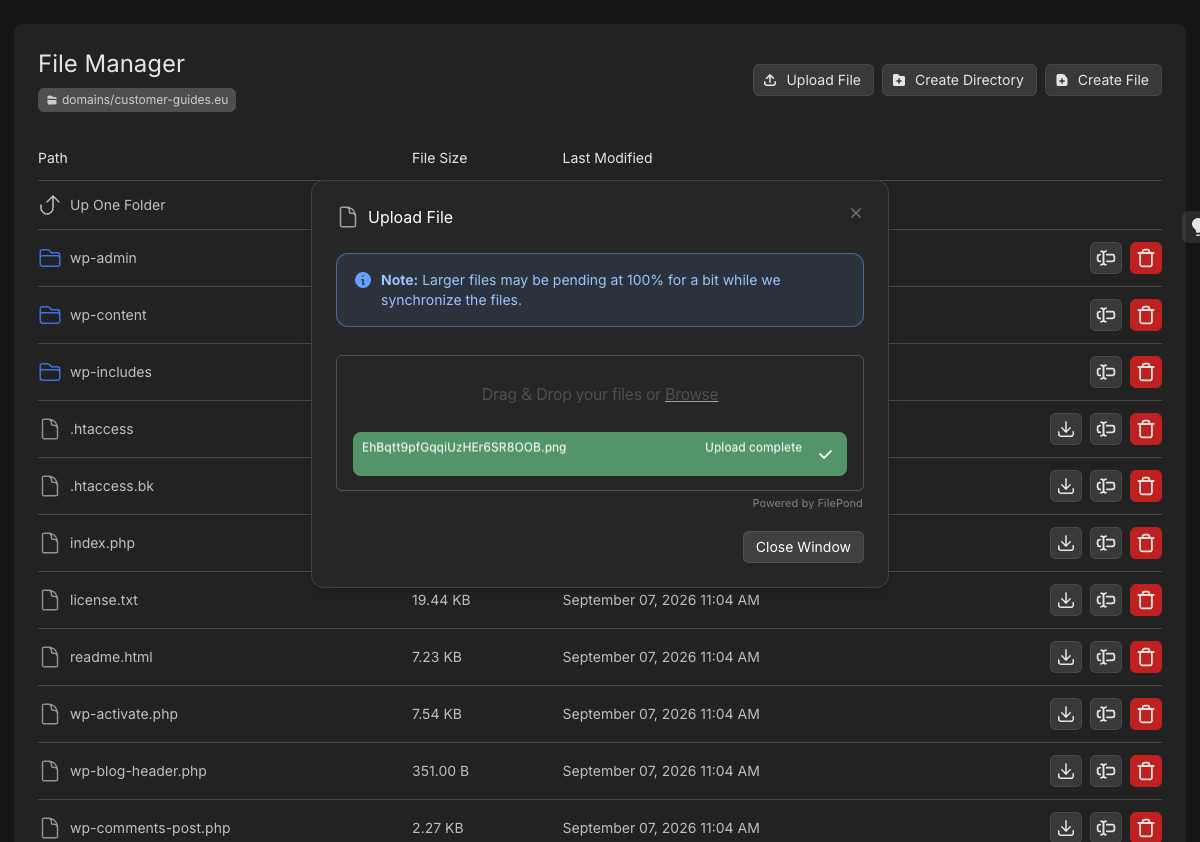
Create a file or directory
1
Open the parent directory
Browse to the directory that should contain the new item.
2
Create File or Create Directory
Click Create File or Create Directory. For a file, enter Filename and click Create File.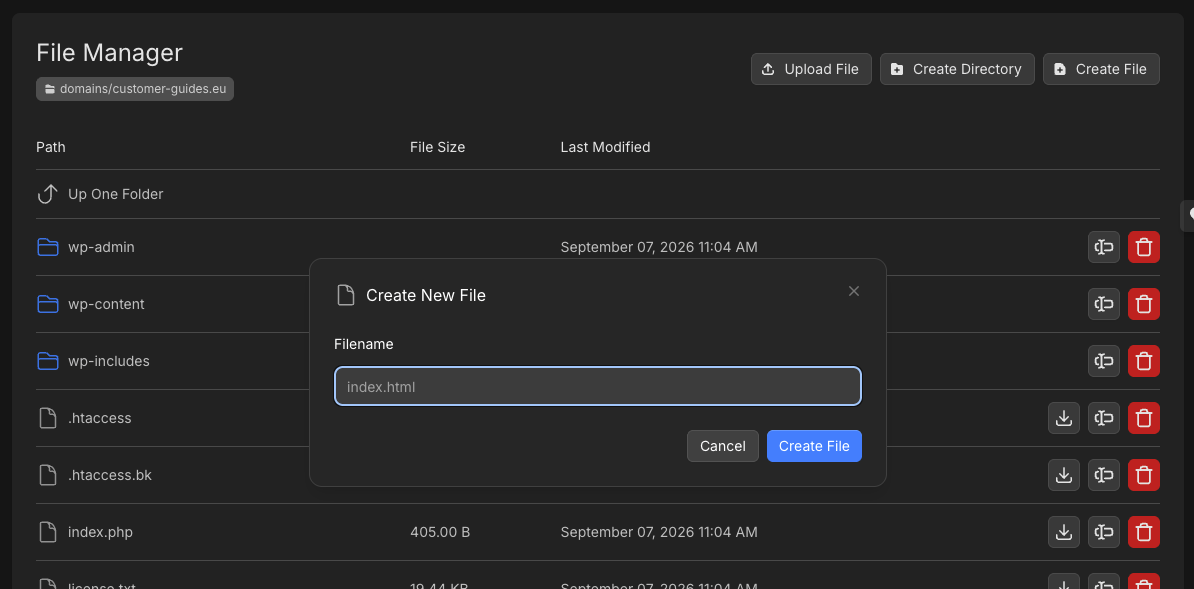
Rename
Click Rename/Move on the row. For a file, enter New file name and click Rename file.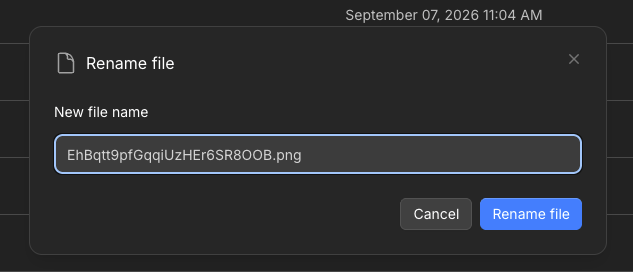
Edit a file
1
Open the file
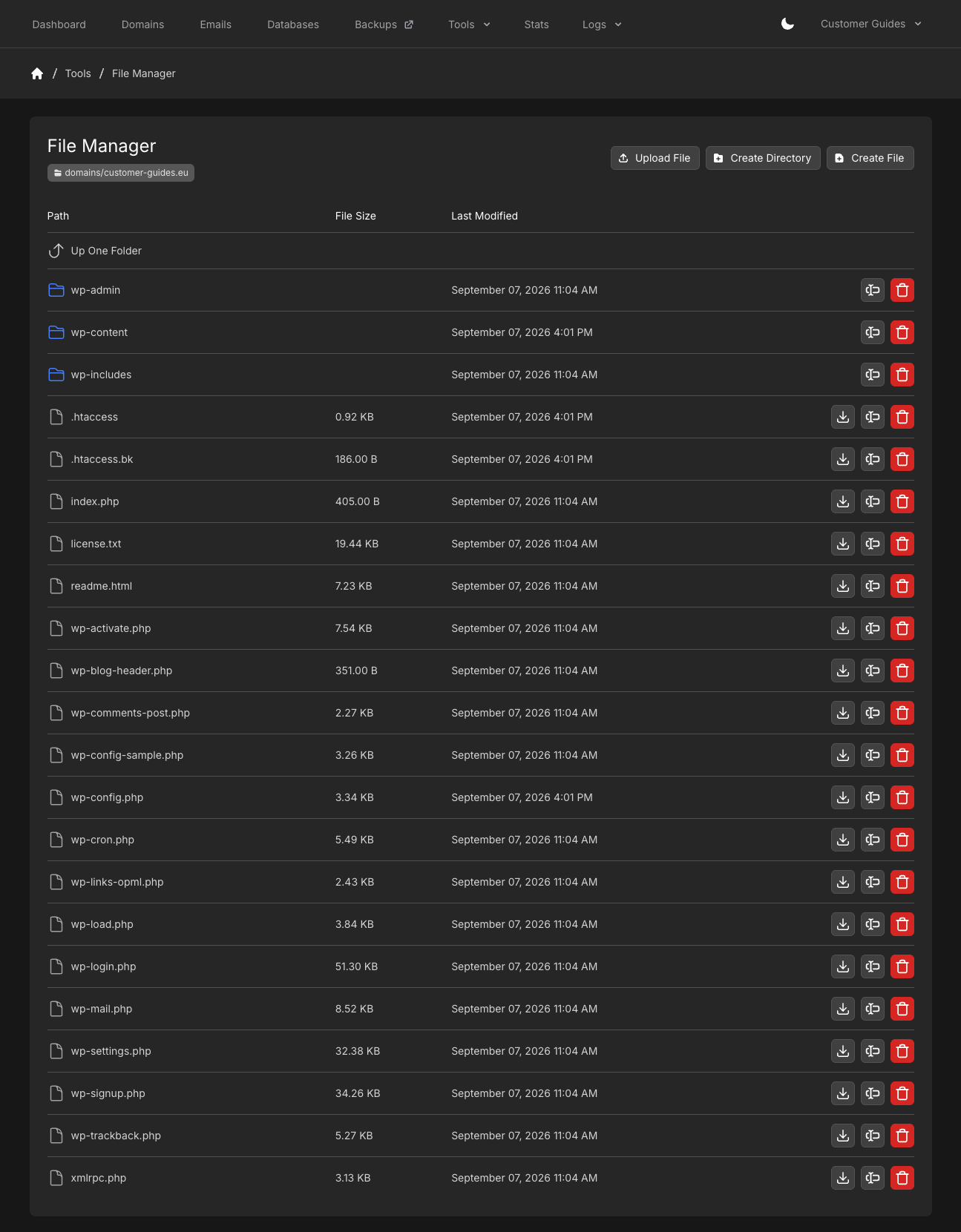
Click the file name. Edit File opens with the path in the pill next to File Manager.
2
Save File
Make your changes and click Save File, or Cancel to leave without saving.