

Buy a license
1
Open Patchstack
Log in at hosting-panel.net and go to Tools → Patchstack.
2
Go to Billing Area
If you have no licenses, the page shows Patchstack not enabled and (0/0 sites used). Click Go to Billing Area to buy the Patchstack add-on. You can also contact support. That purchase assigns one license to your account.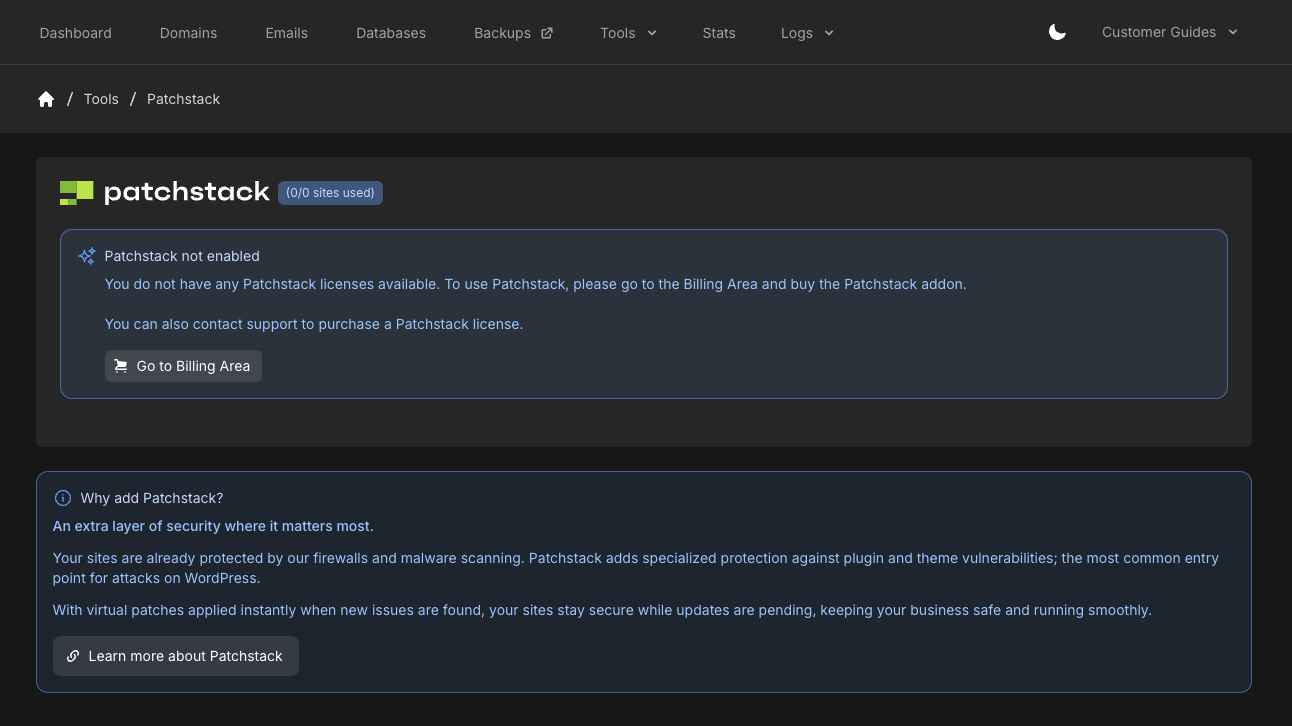
Assign the license to a domain
1
Add Patchstack
After purchase, Patchstack shows (0/1 sites used) and Add Patchstack. You can add up to the number of sites your licenses allow.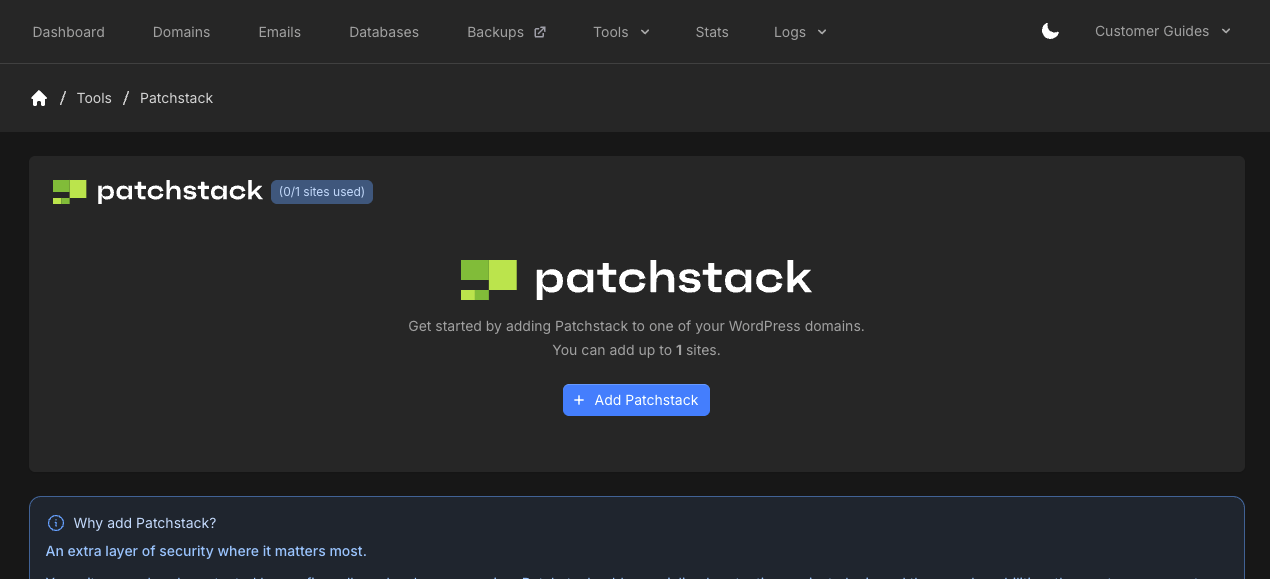
2
Select a domain
Click Add Patchstack, choose the WordPress Domain, then click Add Patchstack again. The panel tries to install the Patchstack plugin and activate the license automatically.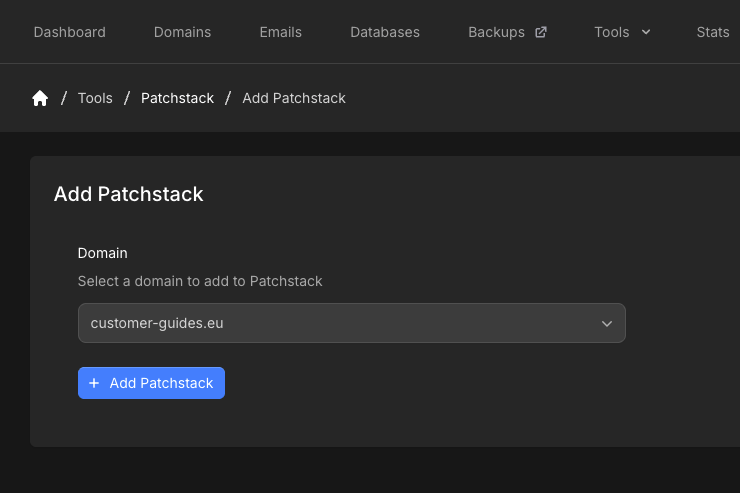
Site overview
Open the site from Patchstack to see Site Overview.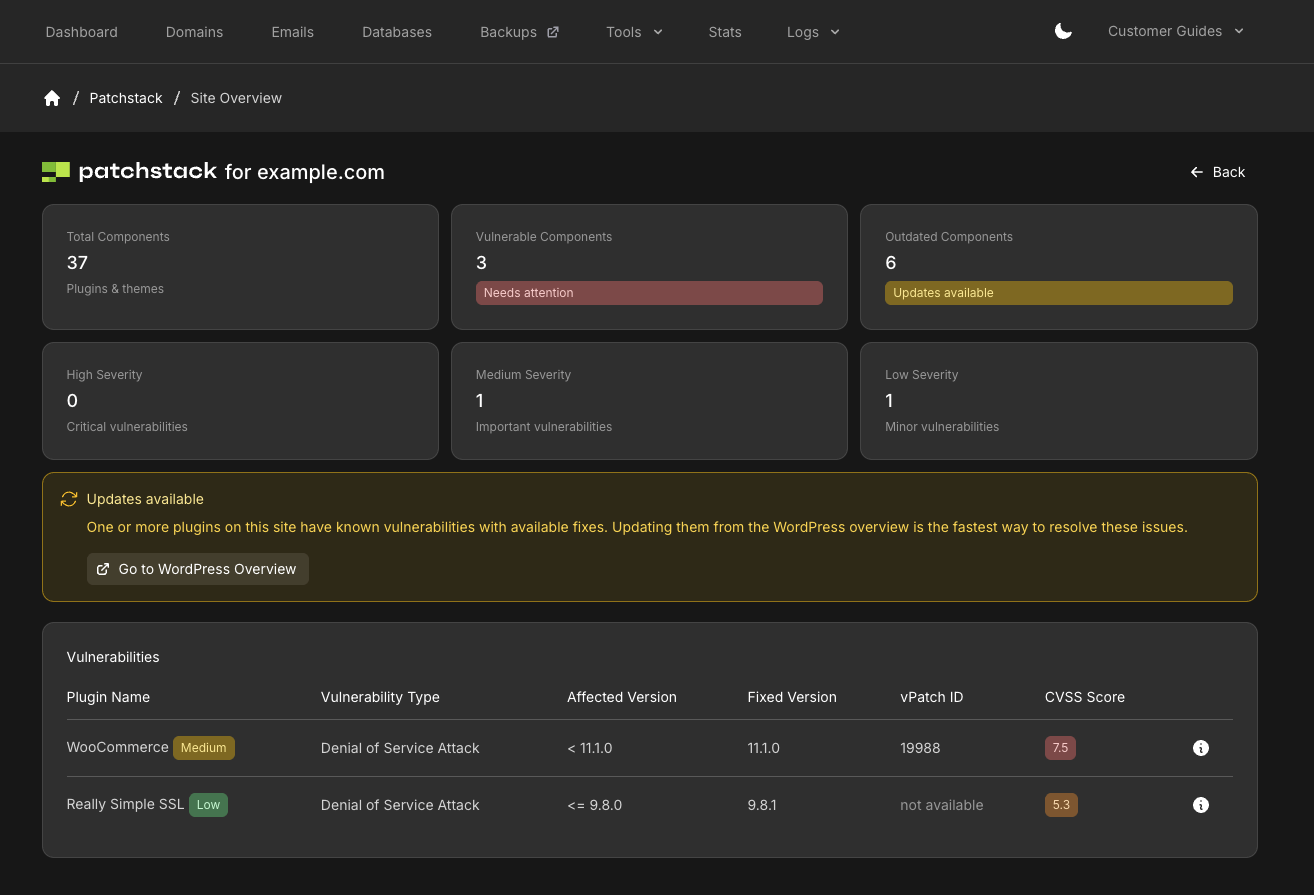
- Total Components (plugins and themes)
- Vulnerable Components
- Outdated Components
- High Severity, Medium Severity, and Low Severity
- Plugin name (with severity)
- Vulnerability type
- Affected version
- Fixed version
- vPatch ID
- CVSS score